How Scammers Hijack Your Phone Number and Empty Your Bank Account

Let me ask you something.
When was the last time you thought about your phone number as something that could be stolen?
Not your phone. The number itself. The ten digits your bank uses to verify it's really you. The number your two-factor authentication texts go to. The number your doctor's office calls. The one your family reaches you on.
That number can be taken from you. In about fifteen minutes. Without your phone ever leaving your possession.
It's called a SIM swap scam. And it's one of the fastest-growing fraud methods targeting people right now in Canada, the US, the UK, Australia, and virtually everywhere else mobile banking exists.
Most people have never heard of it. That's exactly the problem.
What a SIM Card Actually Does
Quick background, because this matters for understanding the scam.
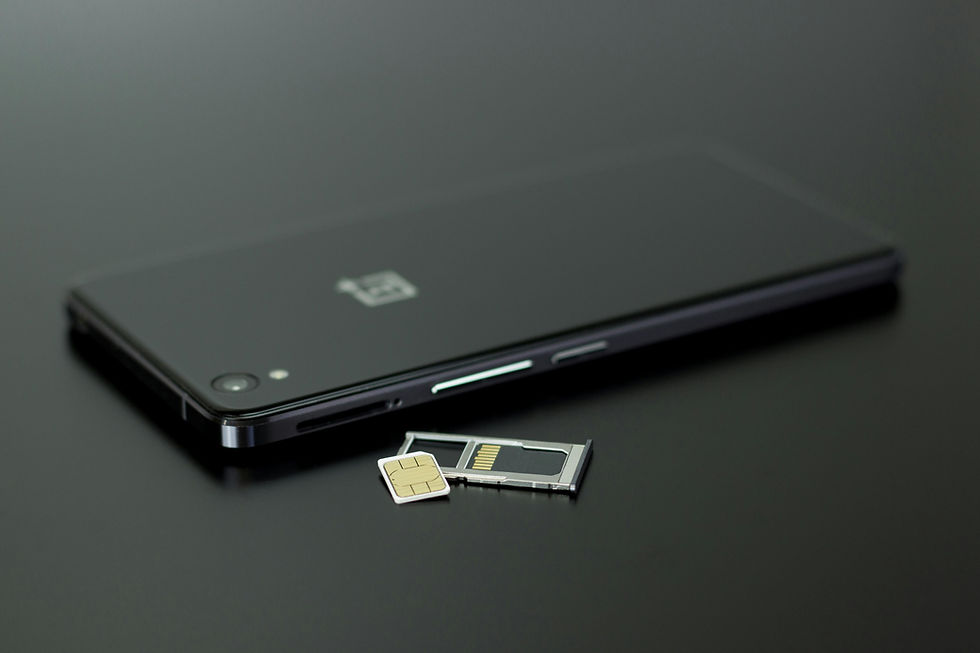
Your SIM card, that tiny chip inside your phone, is what connects your phone to your carrier's network. It's what makes your phone number yours. When you make a call, send a text, or receive a verification code from your bank, all of that flows through your SIM card.
If someone else gets your phone number transferred to their SIM card, a card in their phone, all of those calls and texts start going to them instead of you.
Your phone goes silent. Theirs lights up with everything that was meant for you.
Including your bank's verification codes.
How the Scam Actually Works
This is the part I want you to read carefully. Because it's more straightforward than you'd expect, and that's what makes it so dangerous.
Step one: They gather your information
Before a scammer attempts a SIM swap, they need some basic details about you, your name, phone number, sometimes your date of birth or account number with your carrier. They get this through phishing emails, data breaches, social media profiles, or simply buying it from the dark web where stolen personal data is sold in bulk. This step often happens weeks before the actual attack, and you'd never know it was happening.
Step two: They call your carrier
The scammer calls Rogers, Bell, Telus, Vodafone, AT&T, EE, whichever carrier holds your number, and impersonates you. They say they've got a new phone, lost their old SIM, or need to transfer their number. They use the personal details they've already collected to pass the carrier's identity verification questions.
And here's the uncomfortable truth; carrier customer service verification is often not particularly rigorous. Name, phone number, maybe a postal code or account PIN. Information that isn't hard to obtain if someone is determined.
Step three: Your number moves to their phone
The carrier, believing they're speaking with you, transfers your number to the scammer's SIM card. Your phone immediately loses service. No signal, no texts, no calls. You might assume it's a network outage. You might not think much of it for an hour or two.
That hour or two is when the scammer moves.
Step four: They access your accounts
They go to your bank's website and click "forgot password." The bank sends a verification code to your phone number, which now rings on their phone. They enter the code, reset your password, and they're in.
This works on banking apps. Email accounts. Investment platforms. Anywhere that uses your phone number as a second layer of verification.
In a single session, a skilled scammer can drain accounts, transfer funds, and lock you out of your own financial life. All without ever touching your phone.
Two hours. That's all it took.
Why Two-Factor Authentication Isn't Enough Anymore
This is the part that genuinely frustrates me; because for years, the advice from every bank, every tech company, and every digital safety educator (including me) has been; turn on two-factor authentication. It protects you.
And it does. It's still better than nothing.
But SMS-based two-factor authentication, the kind where your bank texts you a code, has a specific, known vulnerability. And that vulnerability is exactly what SIM swapping exploits.
The code goes to the phone number. Not the physical phone. Not the person. The number. And if the number has been transferred, the code goes to the wrong person.
This is not a flaw your bank is going to fix tomorrow. The entire architecture of SMS verification is built on the assumption that only you control your phone number. SIM swapping breaks that assumption entirely.
The good news is that there are better forms of two-factor authentication that are not vulnerable to this attack. More on that in a moment.
The Signs Your Number Has Been Swapped
The problem with SIM swapping is that the window between the attack and your awareness of it is the window where the damage happens. The faster you recognize what's going on, the better your chances of limiting it.
Watch for these:
Your phone suddenly has no signal. Not one bar, zero service. No calls, no texts, no data. This is the most immediate warning sign. If it happens unexpectedly and doesn't resolve quickly, do not wait.
You stop receiving calls and texts. If people tell you they've been trying to reach you and getting a disconnect message or voicemail that sounds wrong, take that seriously.
You receive unexpected account notifications. Password reset emails you didn't request. Login alerts from your bank. "Your account has been accessed" messages. Any of these arriving without your having done anything is a red flag.
You get locked out of accounts. If your bank password suddenly doesn't work, or your email password is rejected, don't assume you've forgotten it. Assume someone else changed it.
What to Do Right Now, Before This Happens to You
Here is the practical part. And I want to be clear: these are not difficult steps. They take time, not technical skill.
1. Add a SIM PIN or Port Freeze with your carrier.
This is the single most effective thing you can do.
Every major carrier; Rogers, Bell, Telus in Canada; AT&T, Verizon, T-Mobile in the US; EE, O2, Vodafone in the UK; Telstra, Optus in Australia, allows you to add an extra layer of security to your account. In Canada, ask for a "SIM lock" or "port protection." In the US, ask for a "SIM lock" or "number lock." In the UK, ask for a "port freeze" or "SIM swap protection."
When this is in place, no one can transfer your number without providing an additional PIN or security code, one that goes beyond the basic account information a scammer might already have.
Call your carrier directly, use the number on their official website, not a number from any text or email and ask them to walk you through setting it up. Tell them you want to protect against unauthorized SIM transfers. They know exactly what you mean.
2. Switch from SMS verification to an authenticator app.
If your bank, email provider, or any other important account offers an authenticator app option for two-factor authentication, use it instead of SMS.
Apps like Google Authenticator or Microsoft Authenticator generate a code directly on your physical device rather than sending it to your phone number. Because the code is generated on the device itself rather than sent to a number, SIM swapping cannot intercept it.
Not every service offers this option yet. But for the ones that do, your email especially, making the switch removes the SIM swap vulnerability entirely.
3. Use a strong, unique account PIN with your carrier.
If you don't already have an account PIN with your carrier that's different from your standard passwords, set one now. Make it something that isn't easily guessed from your publicly available information; not your birth year, not your address, not the last four digits of your phone number.
4. Be cautious about what you share publicly.
SIM swap attackers build their information profile on you before they ever call your carrier. Your full name, phone number, date of birth, and address, spread across social media profiles, public directories, and data broker sites, is the raw material they use. The less of it that's freely available, the harder the first step of the attack becomes.
Consider searching your own name on Google and reviewing what comes up. Services like DeleteMe or Kanary (available in Canada and the US), can help remove your information from data broker sites if you find your details widely listed.
If It Happens to You
If you suspect your number has been SIM swapped, move fast and in this order:
1. Call your carrier immediately. Tell them you believe your number has been transferred without your authorization and ask them to reverse it. Use a different phone if yours has no service; a landline, a family member's phone, or walk into a store in person.
2. Call your bank. Before the scammer has time to drain your accounts, alert your bank that your phone number may have been compromised and that any recent transactions should be reviewed. Ask them to put a temporary hold if necessary.
3. Change your email password from a device that isn't connected to your compromised phone number. Email is often the master key to everything else.
4. Report it.
Canada: Canadian Anti-Fraud Centre — 1-888-495-8501 or reportcyberandfraud.canada.ca. Also report to your local police.
United States: FTC — reportfraud.ftc.gov. Also report to the FBI's Internet Crime Complaint Center at ic3.gov.
United Kingdom: Action Fraud — actionfraud.police.uk or 0300 123 2040.
Australia: Scamwatch — scamwatch.gov.au. Also report to the Australian Cyber Security Centre at cyber.gov.au.
5. Place a fraud alert or credit freeze. In Canada, contact Equifax Canada and TransUnion Canada. In the US, contact all three bureaus; Equifax, Experian, and TransUnion. In the UK, contact Experian, Equifax, and TransUnion UK. This limits a scammer's ability to open new credit in your name.
The Bigger Picture
Epictetus wrote: "It's not what happens to you, but how you react to it that matters."
SIM swapping is a reminder that the systems we've come to trust; our phone numbers, our carrier verification processes, our SMS-based security, have vulnerabilities that we weren't told about when we started relying on them. That's not our fault. But it is now our responsibility to know.
The steps above take an afternoon, not a technical degree. A SIM lock, an authenticator app, a strong carrier PIN. That's it. That's the difference between being a difficult target and an easy one.
And in the world of fraud, being a difficult target is usually enough.
Has this happened to you or someone you know? Even if you just noticed your phone going dark for an unexplained hour and then came back, I want to hear about it. And if you've already added a SIM lock to your carrier account after reading this, tell me that too. Because every person in this community who takes that one step is one fewer person who gets that phone call from their bank.
— Michael Routhier, Founder of Tech 4 Grown-Ups. I run free digital safety seminars for adults 55+ and write about tech threats as they happen. Learn more about me →


Comments